Vesper is the first star at dusk — the moment the house goes quiet and you choose something to watch. The product promise: all your entertainment in one beautiful, personal library.
The interface steps back so artwork can lead. Deep ink backgrounds, one warm accent used sparingly, an editorial serif for titles and a precise grotesk for everything you read and tap. Sources, servers and filenames live in Settings — never in the living room.
One title, one pageCopies from every source merge into a single poster. Versions are a detail, not a duplicate.
Artwork leadsChrome recedes. Text sits on scrims, never on raw imagery.
Honest by default“Recently added” means added. Unknown means unknown. No invented trends.
Calm motionShort, eased, purposeful. Everything still works with motion off.
01
Wordmark
Vesper
Vesper
V
Instrument Serif set in sentence case, followed by the evening star — an amber dot aligned to the cap height. Minimum height 20 px on screen. The app icon uses the V and the star only. Never outline, stretch or recolour the star.
02
Colour
Ink#0B0C10 · page
Surface#14161C · sheets, cards
Raised#1C1F27 · selected, menus
Parchment#F3F1EC · text, primary, focus · 17.6:1
Text 2#B8B5AD · 9.6:1 on ink
Text 3#8C897F · 5.6:1 · meta only
Ember (accent)#E8A85F · progress, eyebrows, star
Signal#E5484D · LIVE, destructive
Caution#E8C35F · unavailable, expiry
Clear#6CC49A · connected, done
Ember appears on at most a few elements per screen. State colours always travel with a word or shape — “LIVE”, “Watched ✓”, “Refresh failed” — so meaning never depends on colour alone. Each title carries a tint (a deep, desaturated hue) used for loading states, missing artwork and ambient backgrounds.
03
Typography
AaInstrument Serif — DisplayTitles, page headings, poster lockups, collection names. Never below 18 px. Never for UI controls or body copy.
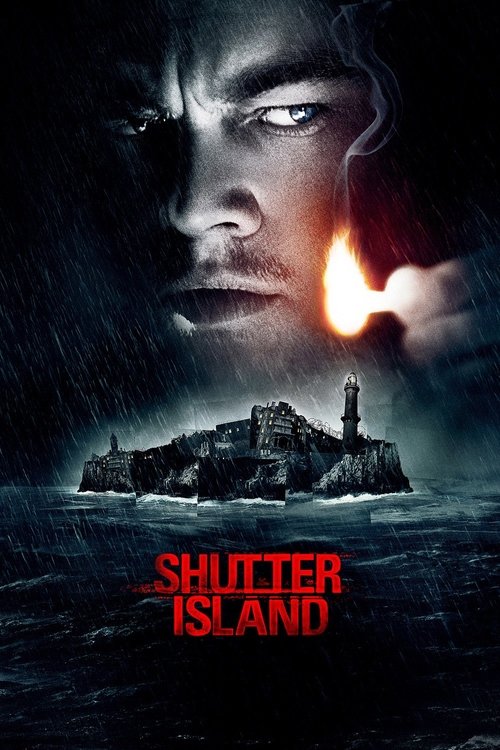
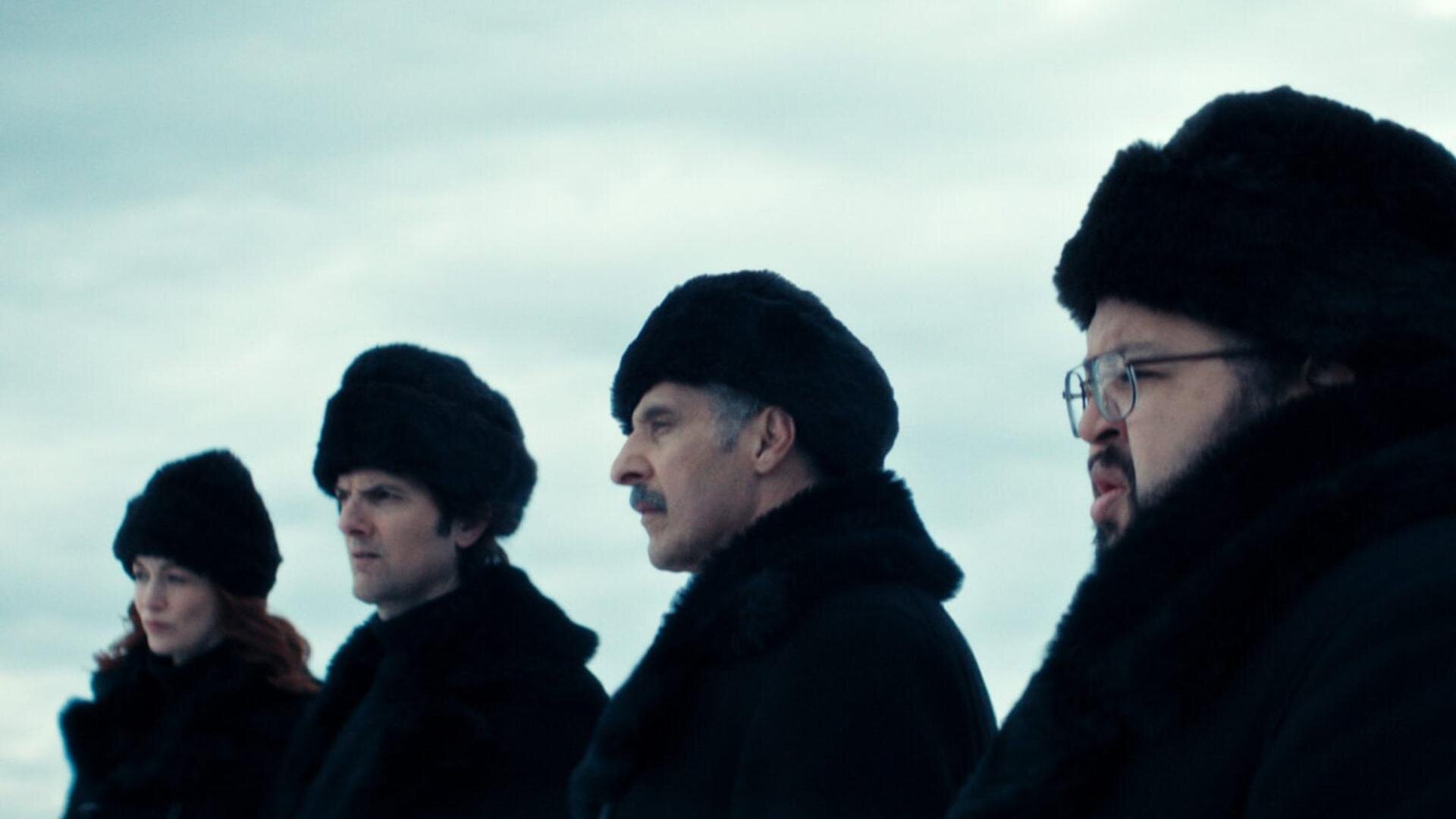
Artwork retains its original color and typography. A film has the same poster and backdrop on every platform. Poster artwork stands on its own without an extra title overprinted; landscapes use a restrained lower scrim for readable labels. Heroes use side and bottom scrims. Missing images retain a title and tint. This preview bundles real artwork locally so catalog browsing does not depend on third-party image requests.
06
Components & states
DefaultHover (web)FocusPressedDisabledPrimary (web/iOS)▶ Play▶ Play▶ Play▶ PlayNeeds connectionSecondaryVersions · 4Versions · 4Versions · 4Versions · 4Versions · 4TV buttonResume— no hover on TV —ResumeResumeUnavailablePoster card
Version row
4KDolby Vision · Theatrical · English (original)From Living Room Server Preferred
1080p · Theatrical · Español (dubbed)From Northline Source not responding
Aligned columns — picture, edition, audio, subtitles, length — so differences read at a glance. Unknown values say “Unknown”. Source names appear only here.
Badges & status
LIVE✓ WatchedPG-13Not rated
ConnectedExpires in 8 daysRefresh failed
S2 · E4 · 29 min left
Progress is always paired with a time label. Status pills pair colour with text and a shape (round = fine, square = problem).
07
Motion
Focus · 150 msease-out. Scale 1.06–1.08 on TV, lift 3–4 px on web hover.
Row scroll · 300 msSmooth, keeps the focused item ≥96 px from the edge.
Sheets · 250–300 mscubic-bezier(.2,.8,.2,1). Fade for side panels, rise for iOS sheets.
Player chrome · 350 msFades out after 3.5–4 s of inactivity; any input brings it back.
Reduced motion: transitions and scaling collapse to instant changes; focus remains a high-contrast ring and fill. No autoplaying trailers, no parallax, no auto-advancing hero.
08
Required states
Loading
Tinted skeletons in final card sizes — no layout jump.
Cached launchUpdating libraryHome opens instantly from cache. A quiet label in the nav refreshes in the background, then disappears.
Offline
You’re offline.Browsing your saved library. Playback needs a connection.
Browse = yes, stream = no. Play turns to “Needs connection”.
Source unavailable
Unavailable right now — Northline, the only source with this title, isn’t responding.
Titles stay visible; only playback is blocked. Versions from other sources still play.
Partial metadata
Director
Not available
Rating
Not rated
Released
2024
Say what’s missing. Never fill gaps with guesses.
Empty libraryYour library is emptyExplain why, then offer “Add a source” and “Check sources”.
Playback errorCouldn’t play from NorthlineOffer the next-best version (with timing warning if editions differ), Try again, and Back. Position is preserved.
Missing episode
6Episode 6 isn’t in your library. Resume and autoplay skip it.
Use the Design preview menu to exercise the available offline, source-failure, playback-failure and empty-library states. Missing-episode and partial-metadata panels above are component specifications; the real catalog snapshot does not manufacture missing records.
09
Platforms
Android TVTop nav pills; D-pad spatial navigation; focus = parchment fill + scale. Back closes panels → leaves player → returns to the card you came from → jumps to nav. Each row remembers its last focused item. Timeline seeks with ◀ ▶; OK pauses.Open TV prototype
iOSTab bar (Home, Search, Live, My List); Movies/Series as chips. Bottom sheets for Versions. Portrait browsing, landscape playback, tap-to-reveal controls. 44 pt targets, safe areas respected.Open iOS prototype
WebTop nav; full keyboard support (Tab, / for search, Space, ← →, Esc). Hover lifts are enhancements only — rows also have visible arrow buttons. Responsive to a single-column narrow layout.Open Web prototype
10
What’s real vs simulated
Portable logic — vesper-data.jsPreferred-version picking, resume-target rules (skips missing or unavailable episodes, advances after finished ones), Continue Watching assembly, My List/progress store API, time formatting, guide maths. The TV spatial-focus engine (in Vesper TV) is framework-free and reusable.
SimulatedXtream source validation and import, version availability, live schedules, video playback, Trakt and cloud sync. My List, progress and preferences persist locally and synchronize between tabs on the same browser origin. This does not establish cross-device sync.
ACCOUNT & CONTENT
One Vesper account. Your own content.
Vesper is a commercial consumer app for Android TV, iOS and Web. Clerk will own sign-in and account identity. Watching profiles belong to that account; provider credentials belong to a separate content connection. Vesper supplies no movies, channels or provider subscriptions.
First launch: welcome → create account or sign in → email verification → empty library → add your own Xtream Codes connection → progressive library preparation. TV uses a companion approval code. App access and provider subscription status must always be labeled separately; pricing and checkout are not defined in this preview.
Shared account screens preserve Instrument Serif, Hanken Grotesk, amber accents and quiet surfaces. Sample content is available only through the explicit design-demo action. Authentication, device pairing, purchases and provider imports remain simulated.
Real stories. Original artwork.
Film facts are sourced from the movies-list dataset; series, cast and episode metadata are from TVmaze (CC BY-SA). Artwork is served from the bundled TMDB, TVmaze and IMDb image snapshot. Full source notes.